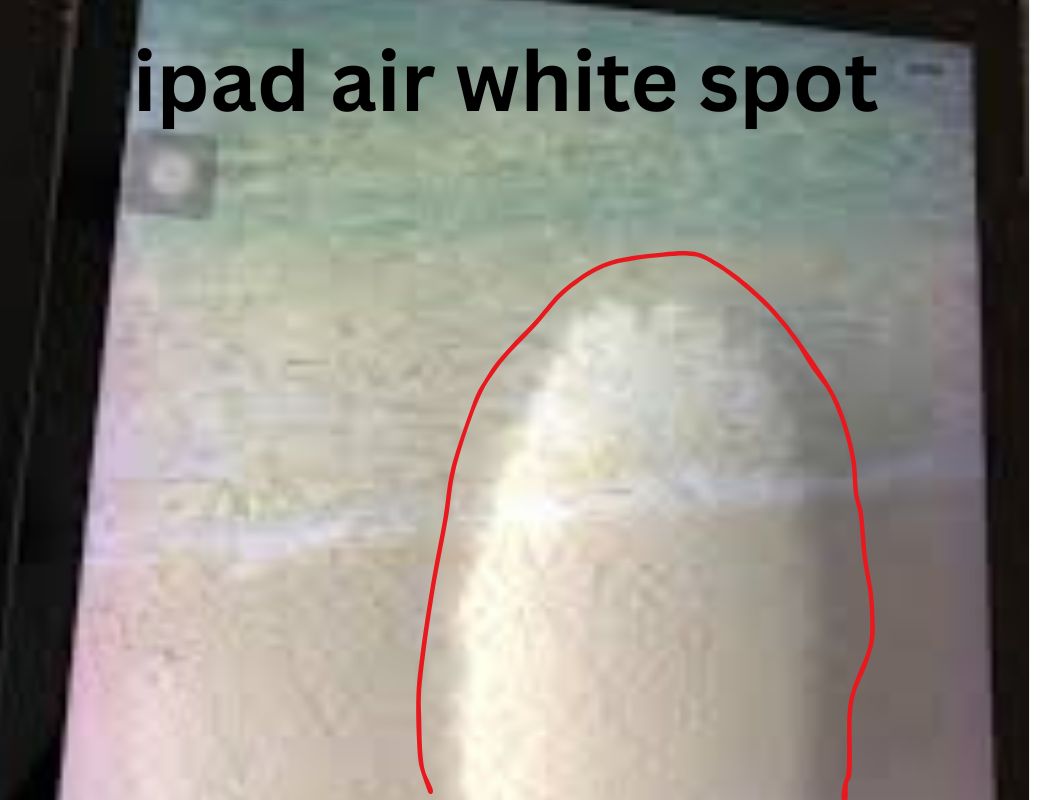
iPad Air White Spot Issue: As technology evolves, so too does our reliance on devices like the iPad Air. However, some users have reported a frustrating issue: the appearance of white spots on their screens. This article will delve into the possible causes, solutions, and preventative measures to help you navigate this common problem.
Table of Contents
ToggleWhat Causes White Spots on an iPad Air?
The white spots on your iPad Air might be caused by a variety of factors, including:
1. Display Issues
- Pressure Points: Applying pressure on the screen can lead to visible white spots, especially if the iPad has been dropped or mishandled.
- Manufacturing Defects: Occasionally, defects during manufacturing can result in display anomalies such as white spots.
2. Environmental Factors
- Moisture and Humidity: Excessive moisture can lead to condensation inside the device, manifesting as white spots on the screen.
- Temperature Extremes: Exposure to extreme heat or cold can cause display problems, including white spots.
3. Software Problems
- Corrupted Files: Sometimes, system glitches or corrupted apps may affect how the display functions, leading to irregularities like white spots.
How to Identify the Issue
Before panicking about white spots on your iPad Air, it’s essential to perform some diagnostic steps:
- Screen Inspection: Look closely at the screen in different lighting conditions to see if the spots change or remain consistent.
- Rebooting the Device: Restarting can resolve software-related display issues.
- Check for Updates: Ensure your iPad Air is running the latest version of iOS, as updates can contain fixes for display-related bugs.
Solutions for White Spots
1. For Physical Damage
- Inspect and Avoid Pressure: Handle your iPad with care. Consider using a padded case for extra protection.
- Professional Repair: If you suspect internal damage, seek help from an Apple Store or authorized repair center.
2. For Environmental Factors
- Store in a Controlled Environment: Keep your iPad in a stable environment, avoiding extreme temperatures or humidity.
- Use a Dehumidifier: If moisture is a consistent problem, a dehumidifier may help mitigate the issue.
3. For Software Problems
- Resetting Settings: If software issues are suspected, try resetting the device settings without erasing data.
- Factory Reset: As a last resort, a factory reset can be performed, though this should be done carefully to back up important information first.
Preventative Measures
To minimize the risk of facing the white spot issue, consider the following tips:
- Regular Cleaning: Use appropriate cleaning materials to maintain screen clarity and function.
- Quality Cases: Invest in high-quality cases that absorb impact and protect against moisture.
- Avoid Direct Sunlight: Refrain from leaving the device in direct sunlight for extended periods to prevent overheating.
Frequently Asked Questions (FAQs): iPad Air White Spot Issue
1. What are white spots on my iPad Air screen?
White spots usually indicate pressure damage, moisture infiltration, or manufacturing defects.
2. Can I fix white spots on my own?
Minor pressure-related issues may resolve with careful handling, but persistent problems likely need professional attention.
3. How can I prevent white spots from appearing?
Using a protective case, avoiding extreme environments, and handling your device with care are key preventative measures.
4. Are the white spots covered under warranty?
If the iPad is still under warranty and the damage isn’t due to mishandling, it is possible to get repairs or replacements at no cost.
5. Why do white spots sometimes disappear?
They may disappear due to changes in temperature or pressure, but this is not a guaranteed or permanent fix.
6. Is it safe to use my iPad with white spots?
While it may be safe to use, it’s advisable to address the issue to avoid further damage.
7. Should I keep my iPad updated?
Yes, keeping your iPad updated ensures you have the latest fixes and enhancements that can improve performance.
8. How much do repair services typically cost?
Repair costs vary depending on the extent of the damage but can range from $100 to several hundred dollars.
9. What kind of warranty do I get with an iPad?
Standard Apple products come with a limited warranty for one year, covering manufacturing defects but not accidental damage.
10. When should I seek professional help for my iPad?
If the white spots persist despite basic troubleshooting, or if you notice other performance issues, it’s best to consult a professional.
Conclusion: iPad Air White Spot Issue
The appearance of white spots on your iPad Air can be disconcerting, but understanding the potential causes and solutions can help mitigate this issue. By implementing preventative strategies and knowing when to seek professional help, you can keep your device functioning optimally for years to come.